Bimo
Desk buddy demo
Bimo
Your tiny desk buddy for getting stuff done.
Talk with your to-do list
Ask Bimo's local brain. No internet.
When am I most productive?
Peak at 16:00 – 19:00. Want me to schedule a task then?
Remind me to call mom tomorrow at 6
Confirmed · Call mom · tomorrow, 6:00 PM
Today's habits
0 done today
Drink water
5 days
10 min exercise
12 days
Read 20 min
3 days
Sleep by 11pm
Start
Focus mode
Bimo focuses with you, 25 minutes at a time.
Try it — Bimo celebrates with you
25:00
Today's plan
Clear day, less back-and-forth.
-
09:00
Inbox
-
10:00
Deep work
-
12:30
Break
-
14:00
Team sync
and much more
What's in the app
Everything runs on your computer. No subscription, no internet, no account.
Local AI brain
Chat with Bimo, plan your day, and keep your data on your computer.
- Chat
- Talk to Bimo· soon
Plans your day
Tasks, habits, focus timers, daily plan
The productivity toolkit
Stays private
No accounts, no links, no internet needed
Stay focused
Bimo nudges you back when you doomscroll
Small reminders help you get back to work
Tools
Quick actions for everyday work, built into the same app so you don't leave your flow.
- Screen recording· soon
- Remove BG· soon
- Compress image· soon
- More tools· soon
Always growing
New tools, automations, improvements, and fixes keep shipping as the app gets better.
No subscription
Works offline
No account needed
Runs great on Mac
macOS
Can my Mac run the local AI brain?
Yes. Any M-series Mac can run Bimo's brain, a roughly 5 GB model that lives on your computer. Ask about your tasks, notes, day history, or what you're working on, and it stays on your Mac.
It is your personal local AI assistant.
Quick look
See it in action
Bimo
Bimo in action
Bimo
Focus with Bimo
GET BIMO
Use Bimo Digital today.Preorder Physical if you want the little desk screen too.Runs great on Mac
You get Digital access todayPhysical Bimo ships in ~4 days
How it works
Sticks to your monitor
Always there, never in the way.
Bimo digital
Lives on your computer
A small digital Bimo stays nearby while you work.
The app
Everything you need to be productive
Tasks, notes, habits, timers, and more in one place.
Local brain
Ask what to do next
Chat, plan, and get unstuck from the same app.
Choose your setup
Pick your mount position
Mount position
You save €19Side
€79.99€99one-time
Shipping & tracking included. No subscription.
1x Bimo + desktop app access
Only 200 made for Batch 1
Early features & priority support
Big hug & thank you for believing early🫶
Runs great on Mac
Founders Batch 1
76 of 200 spots left
124 of 200 claimed
Secure checkout opens after setup.
See it in action
“w bimo”
hjadmz
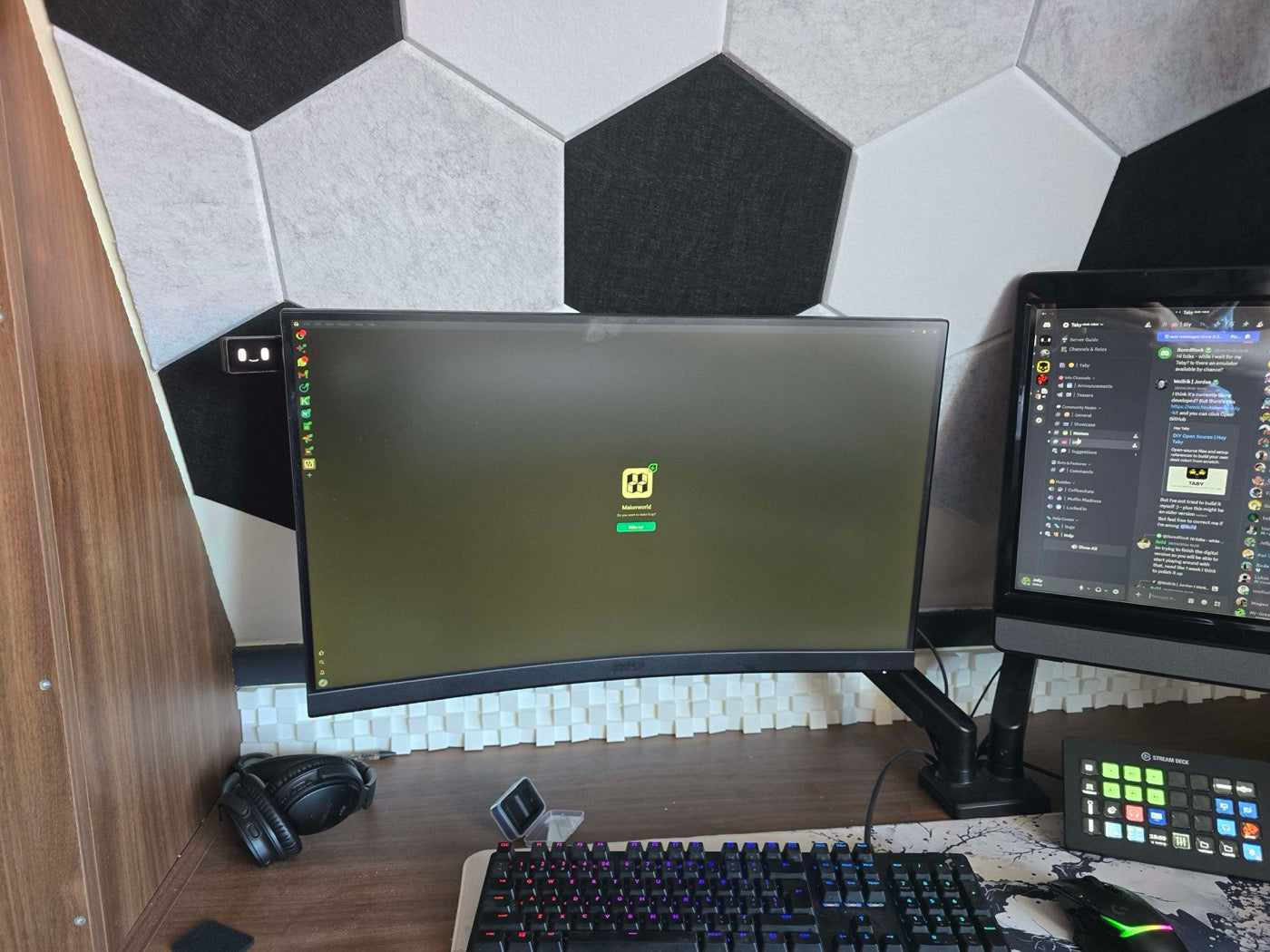
“Just got mine n🙌”
Jelly
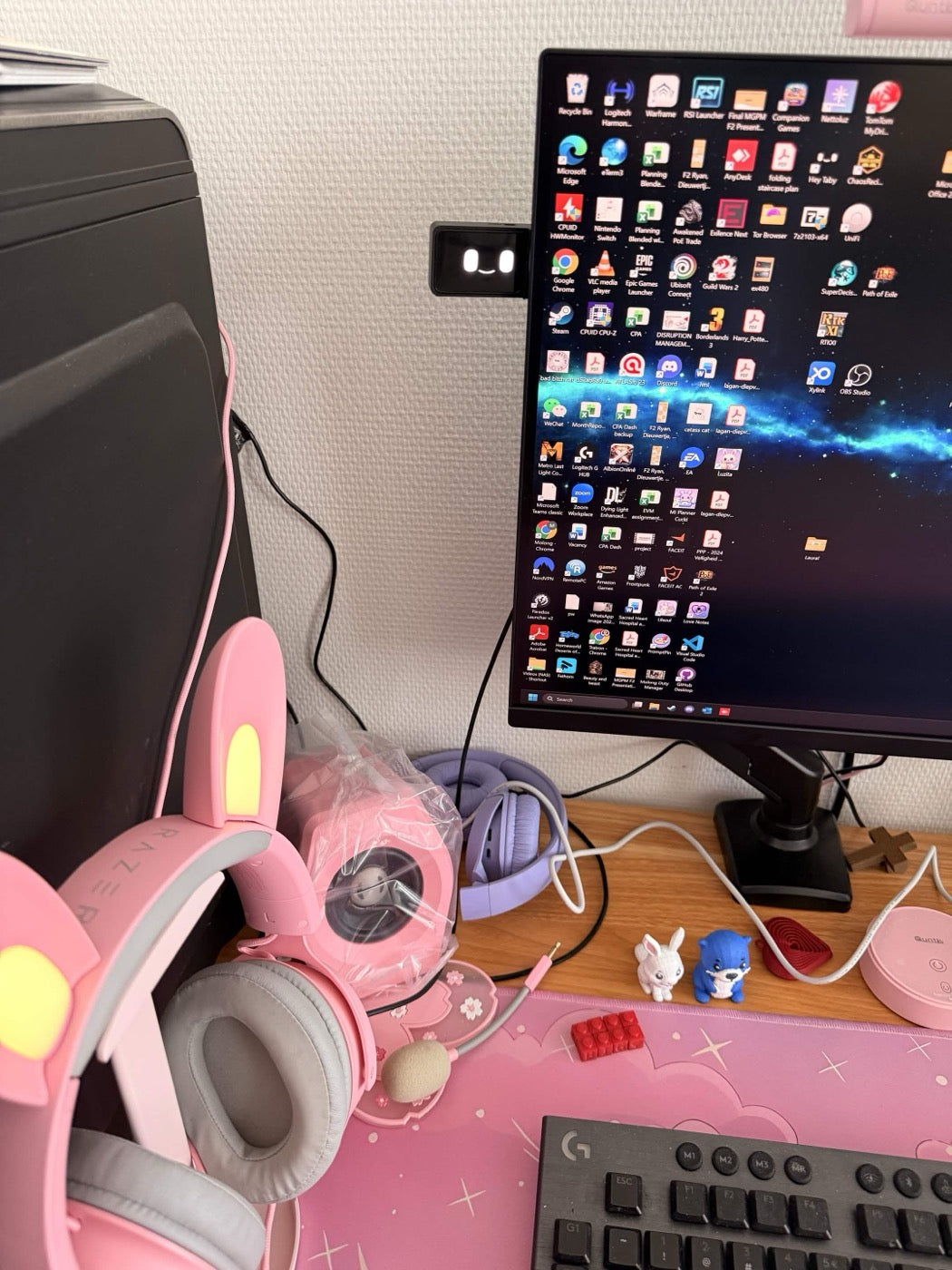
“It arrived yey”
Laura
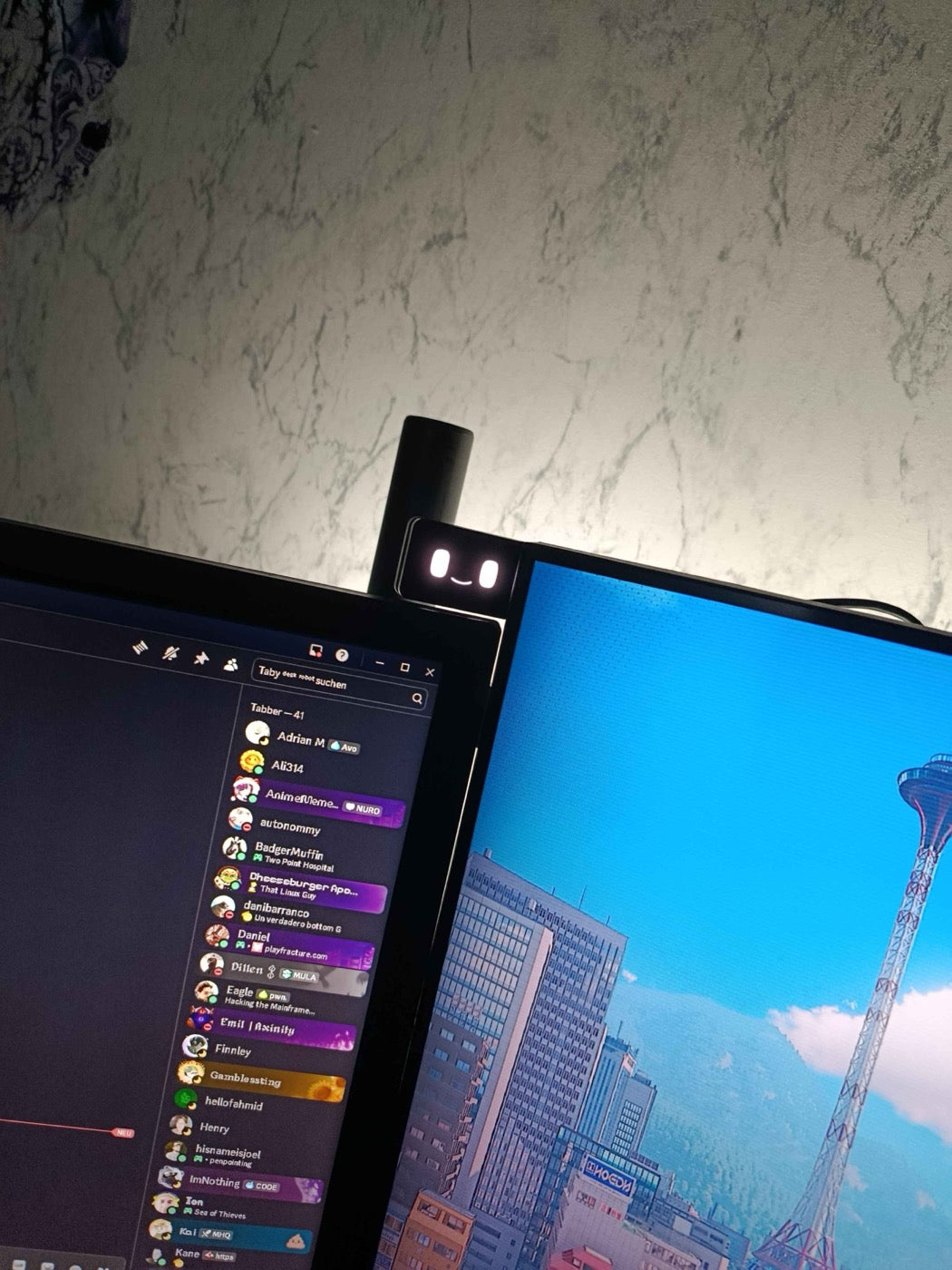
“Got Mine to Hes soo cool”
Ely
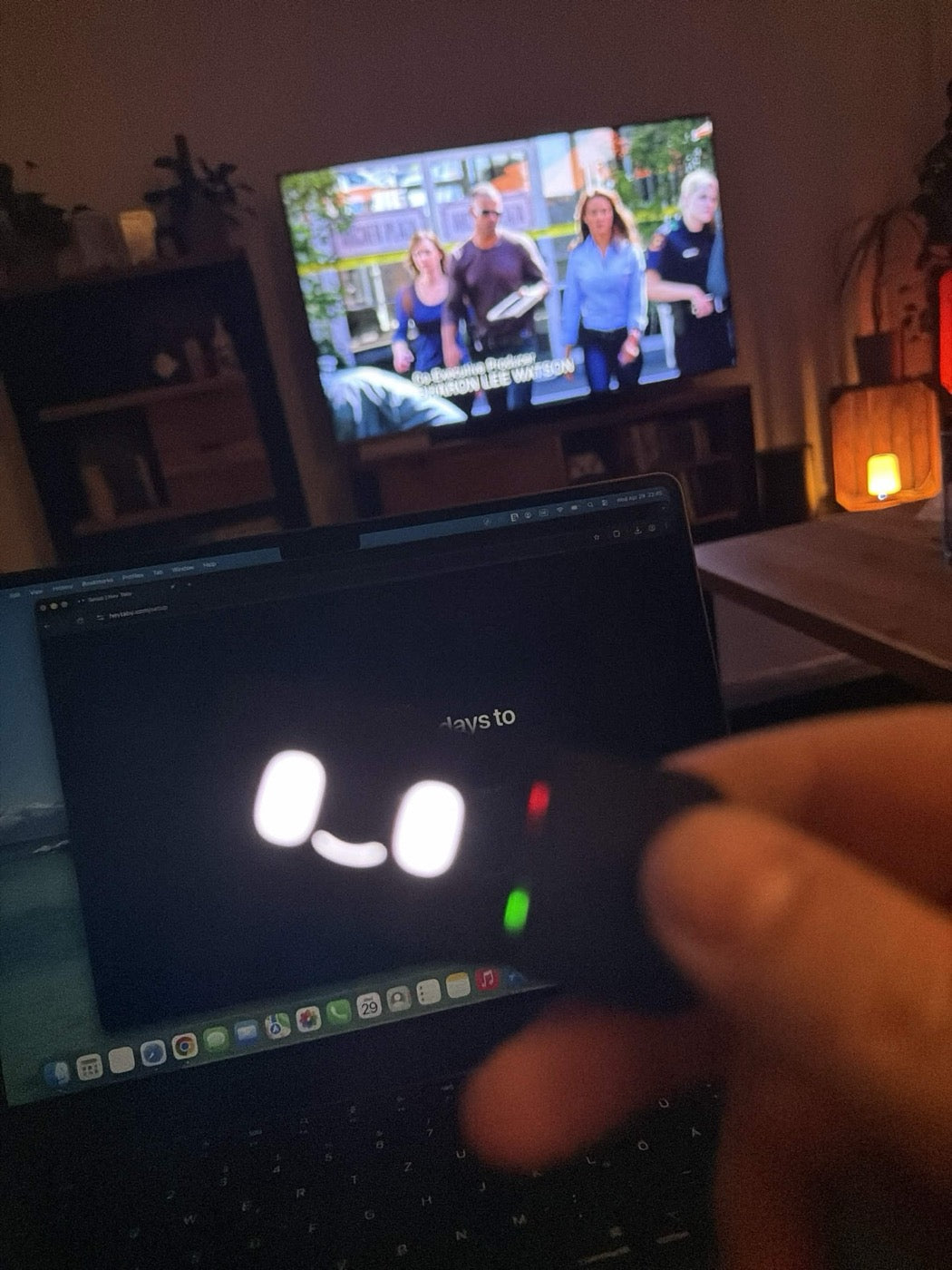
“Yes! I didn’t think it would be delivered to Germany so quickly. 😍”
Kovich
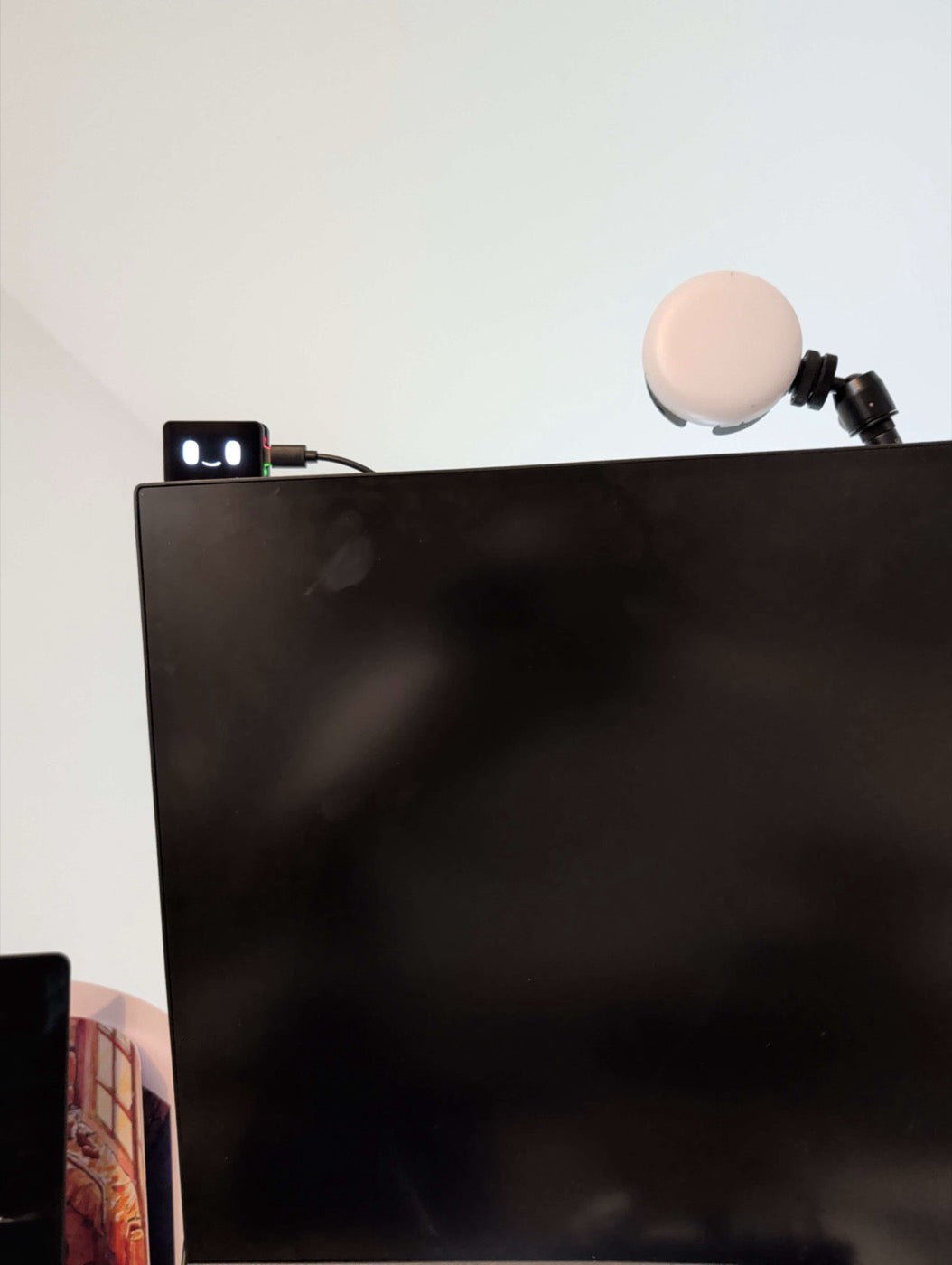
“Also got mine 🥰”
satyan
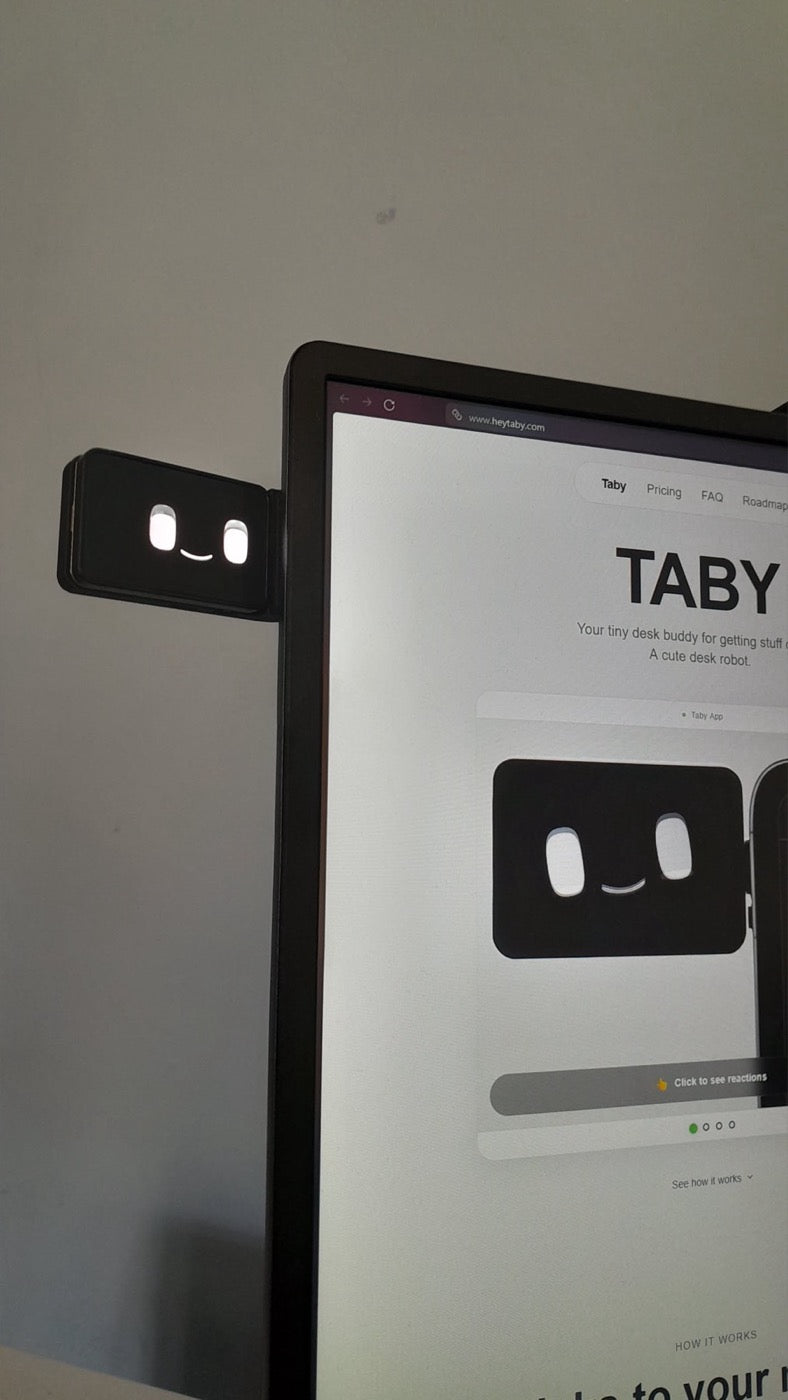
“🔥”
Daniel
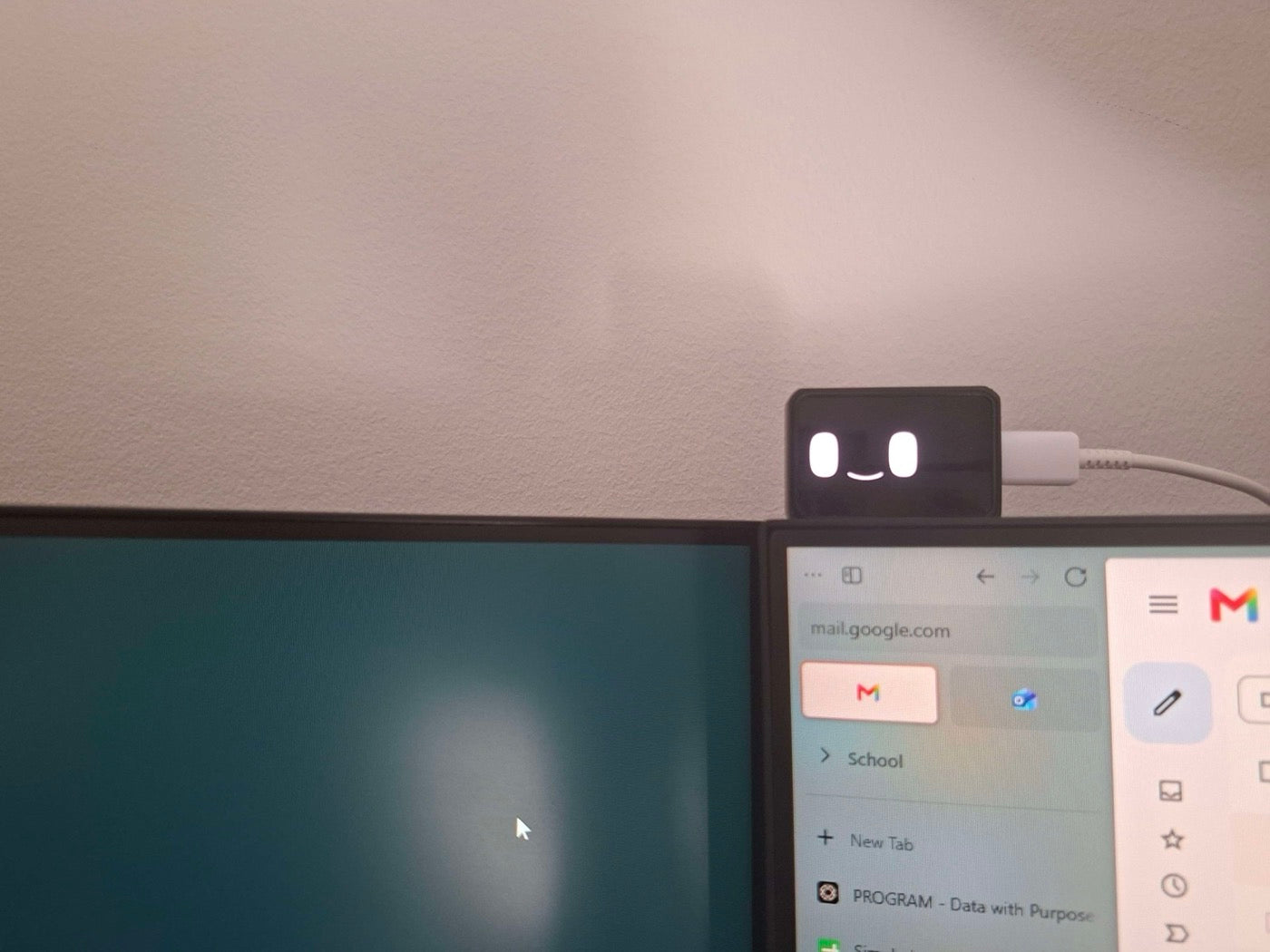
“Bimo looks like such a Tiny Little Guy TM watching me work over my 2 monitors”
Pinky Tie
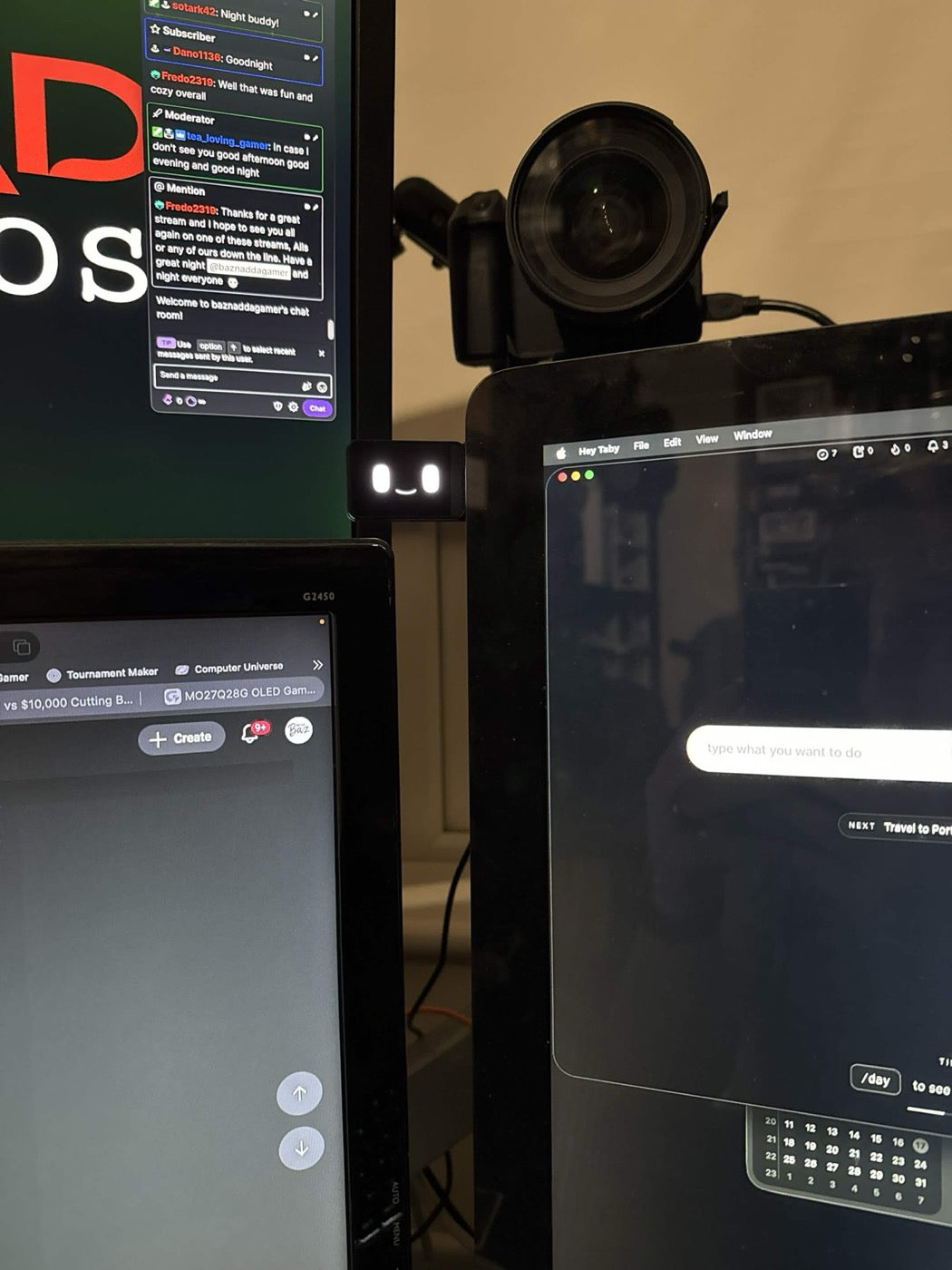
“Seems like the perfect spot for this little dude... until I can upgrade the monitor to one with thinner bezels! 😂😂😂”
BazNadda
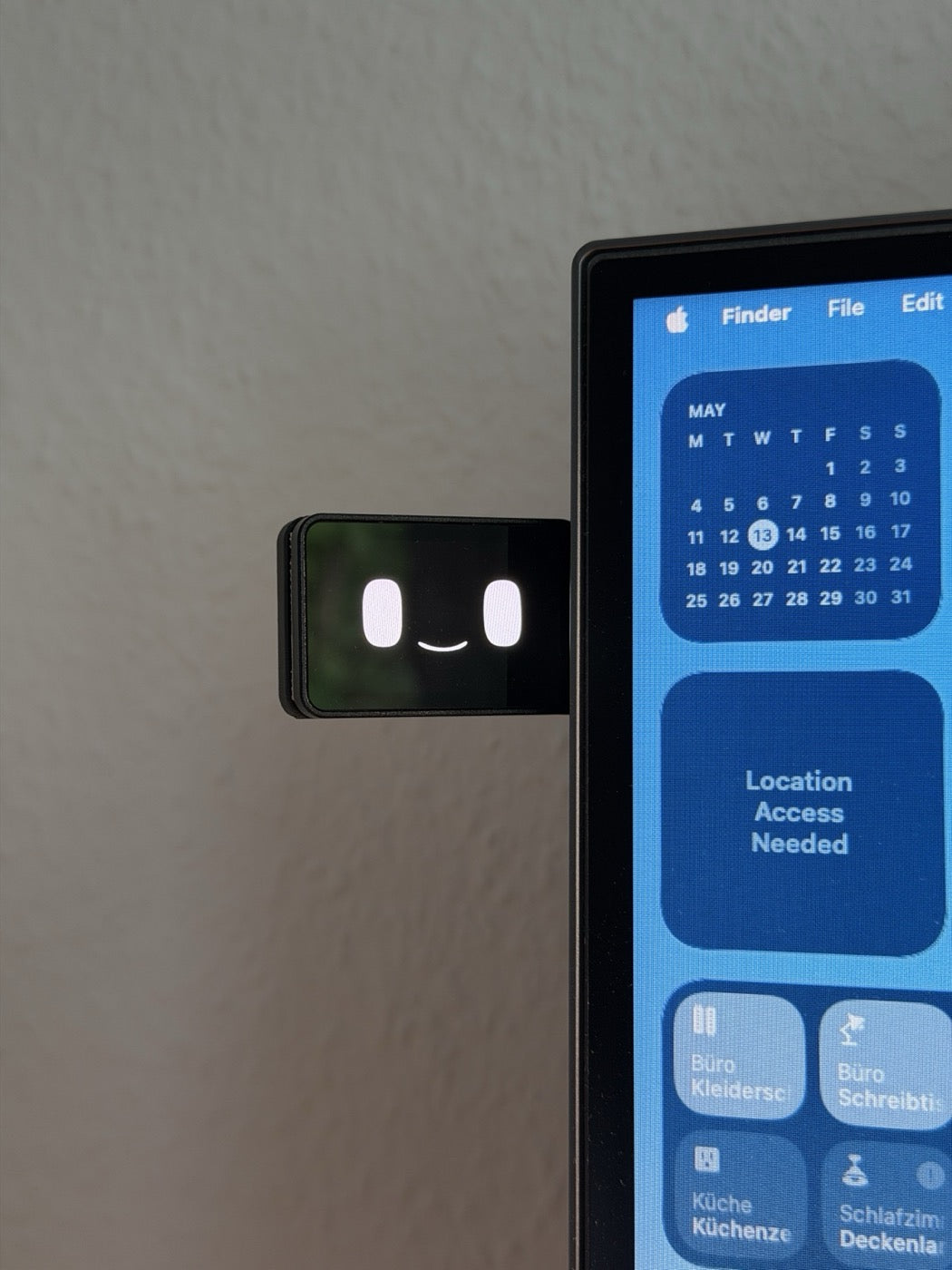
“I can’t wait to finally use mine in my home office 🙌”
Max
Swipe to see more setups →
New updates every week
Included for free with every purchase
Working on right now
Local AI features
Activity133 updates · last 14 days
Just shipped
Merge branch 'bimo-firmware-1.0.4'
1dcheckpoint in-flight work on the desktop app
1dAdd local AI brain — on-device chat with your day
2dImprove mount detection and first-time setup flow
3dCalm mode polish; gestures never blend; friendlier first replies
4dFAQ
Questions & answers
Bimo is a desk robot and productivity companion that sticks to your monitor. It pairs with a desktop app to help you manage tasks, plan your day, keep notes, set reminders, track habits, run focus timers, open workspaces, and see where your time goes. The base version is completely free with every Bimo — no subscription, no extra cost. Some AI features will be part of an additional subscription. Think of it as a cute desk robot assistant.
Use the order lookup page with the email you used at checkout. It shows your batch, order status, and shipping progress when it is available.
Bimo supports macOS and Windows.
Power: USB-C from your laptop/PC, or any other USB power source.
Connection: Bimo can talk to your computer either over Wi-Fi or through a USB-C cable plugged straight into your computer.
Battery support is coming soon. The current version already supports it and already has a plug for the battery. I am just not fully sure yet how to handle shipping batteries because every country has different regulations. But you will be able to order that separately later.
Bimo is a physical desk robot, not just another app on your screen. Because it sits right on your monitor, your tasks, timers, and reminders stay visible without you needing to switch windows all the time. The desktop app also gives you useful insights into how you spend time on your computer, along with built-in productivity tools. Later on, there will also be AI tools where you can ask Bimo to do things for you. And the animations give it personality and make working feel less robotic, ironically.
This is the only productivity app that has actually helped me personally be more productive. Having a face really helps.
So honestly, I am making this for myself too. I use it, and I love it.
Yes. I'm building Bimo to become an AI desk companion. Future updates will include voice interaction through a built-in mic, so you can talk to Bimo to add tasks, ask questions, and control your workflow hands-free. You'll also be able to tell Bimo to run tools for you, like image optimizations and other quick tasks. AI features will be offered as a separate subscription. Right now they'll be cloud-based, and I'll be working on local versions in the future.
Bimo handles task management for planning your day, a Pomodoro focus timer for deep work, habit tracking with streaks to build consistency, activity insights so you know where your time actually goes, workspaces to open all the apps you need with one click, simple tools like remove background and compress image, and 50+ animations that react to what you're doing — celebrating wins, focusing during deep work, and more. More tools are coming too.
Yes. Bimo stores everything locally on your device — tasks, habits, notes, productivity stats. There are no accounts, no cloud sync, and none of your personal data leaves your machine. I do collect anonymous usage analytics to understand which features people use, but never any of your actual data.
Batch 1 pricing is €79.99 (about $90 USD).
After Batch 1, the price goes up to €99.
That includes the physical Bimo and the full desktop app, with no subscription for the base version.
Some AI features like Talk, AI insights, and tools will be part of a separate subscription. Those AI features are cloud-based for now, and I'll be working on local versions later.
It clips onto the side or top of your monitor in seconds — check the “30s demo” above to see exactly how it mounts.
Bimo is currently a pre-order beta product. If you change your mind before your unit ships, I'll issue a full refund — no questions asked. Once your Bimo has shipped and arrived, I handle refunds on a case-by-case basis for hardware defects or issues that prevent normal use. I want you to love your Bimo, but as a small one-person project I can't offer blanket returns for cosmetic wear or change of heart after delivery.
Bimo is designed to fit into any desk aesthetic — minimal, cozy, gamer, or studio setups. It's small, sits right on your monitor bezel, and the display shows cute animations instead of looking like another boring gadget. It's the kind of desk accessory people actually ask about.
Bimo makes a great gift for anyone who works or games at a desk. It's a unique, useful gadget that combines productivity with personality. Whether it's for a developer, a student, a gamer, or a remote worker — it's the kind of gift people actually keep on their desk.
Anyone who sits at a desk. Gamers, developers, students, remote workers, streamers, freelancers, designers — if you spend time at a computer and want a fun way to stay on top of your day, Bimo is built for you. It's not limited to one type of user.
Roadmap
What I'm actively working on now
Current focus areas, kept small and updated as the app moves.
Active focus
Better, smarter AI
Making Bimo understand your day better and give useful help without feeling heavy.
Tools
Built-in tools like screen recording, background removal, image resize, GIF conversion, cleanup, and more.
Automation
Ask Bimo to plan, organize, trigger actions, and handle small repetitive tasks.
Phone version
Exploring WhatsApp, SMS, or a mobile app so Bimo can follow you beyond the desktop.
Build activity
A simple snapshot of where the build is moving next.
May - Jul 2026
353 commits
MayJunJul
Smarter AI- nowJun 15
Tools- nowJun 30
Automation- nowJul 15
May 11, 2026
Done
Mini Bimo V1
Mini hardware and app connection shipped. The core experience is ready for what comes next.